Sep 2, 2026News & Insights
28-Inch LCD Bar Monitors: A Wide Window for Compact Spaces
A 28-inch LCD bar monitor combines a long, narrow profile with the clarity of a modern flat panel. It can fit shelf edges, passageways, equipment consoles, and information systems where...
28-Inch LCD Bar Monitors: A Wide Window for Compact Spaces
A 28-inch LCD bar monitor combines a long, narrow profile with the clarity of a modern flat panel. It can fit shelf edges, passageways, equipment consoles, and information systems where a conventional display would occupy too much height.
Image Quality for Real Viewing Conditions
IPS-type panels may provide wide viewing angles, helping content remain consistent when people approach from different directions. Brightness options vary by model, with higher-brightness configurations intended for bright retail or semi-outdoor environments. Contrast, color gamut, and viewing-angle figures should be checked on the exact panel specification rather than treated as universal values.
Common native resolutions may include 1920 × 360, 3840 × 1080, or other panel-specific formats. Content should be produced at the native resolution to avoid scaling artifacts and distortion.
System and Connection Options
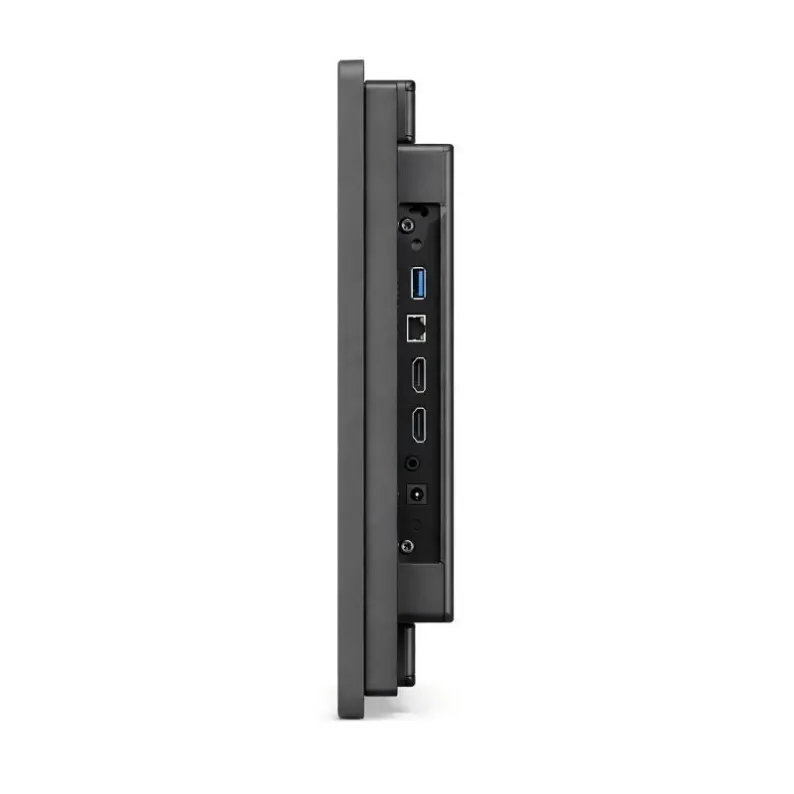
The monitor can be supplied as a simple video display or as an integrated Android terminal. Depending on the controller, connections may include HDMI, VGA, DVI, DisplayPort, USB, Ethernet, or serial interfaces. Optional projected-capacitive touch can support interactive applications when the cover glass, controller, and operating system are designed together.
Mechanical Designs for Integration
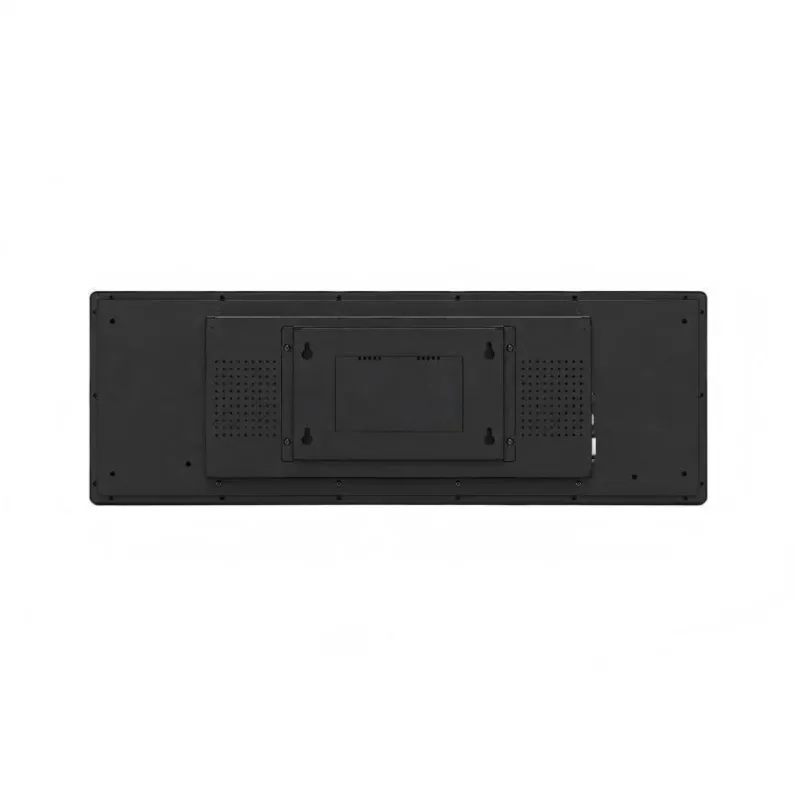
Open-frame versions are suitable for equipment builders and kiosks, while enclosed metal housings provide a finished installation. Some custom assemblies may offer enhanced dust, water, or impact protection, but an IP or IK rating applies only when the complete tested enclosure carries that rating.
Optical bonding, anti-glare surfaces, or anti-reflective treatment may improve readability in challenging light. These options should be selected with the target brightness and viewing environment.
Applications Across Industries
Retailers use 28-inch bar displays for shelf-edge promotions, counters, and windows. Transport systems use them for passenger information and route guidance. Industrial teams use them for machine status and production data. Banks, hospitals, and service halls can display queue information, while vending machines, ticketing terminals, and charging equipment can use the screen as a compact user interface.
The format is most effective when panel, controller, enclosure, cooling, and content are specified as one system for the intended environment.
Where a 28-Inch Format Fits Best
A display in this size range can provide more visual presence than a short price strip while remaining compact enough for a shelf header, counter, doorway, equipment console, or small transport information panel. The active area and overall enclosure dimensions should be checked separately: the quoted diagonal does not reveal bezel width, mounting depth, connector clearance, or the exact shape of the visible image.
Viewing distance influences whether the screen should carry one continuous message or several content zones. At close range it can show product comparisons and detailed labels; from farther away it should use larger typography, fewer elements, and stronger contrast.
Plan Resolution, Mounting, and Service Access Together
Prepare sample artwork at the native pixel resolution before approving the hardware. This exposes scaling problems early and helps determine whether text remains legible. Confirm whether the player outputs the exact timing, whether portrait rotation is required, and how the content management system handles an unusual canvas.
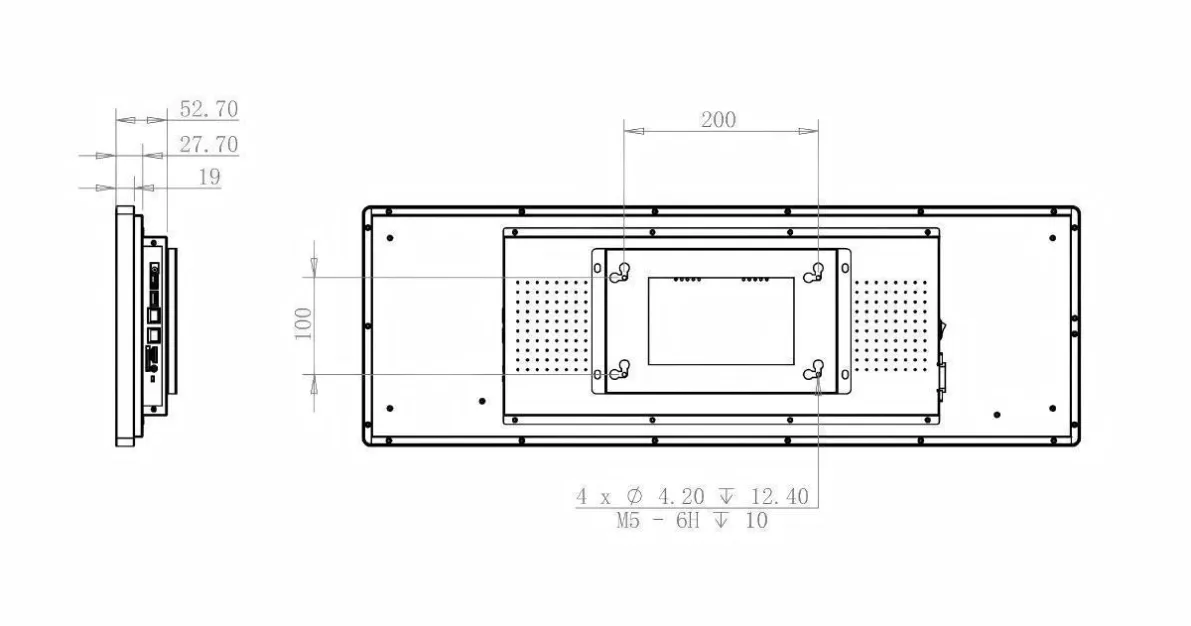
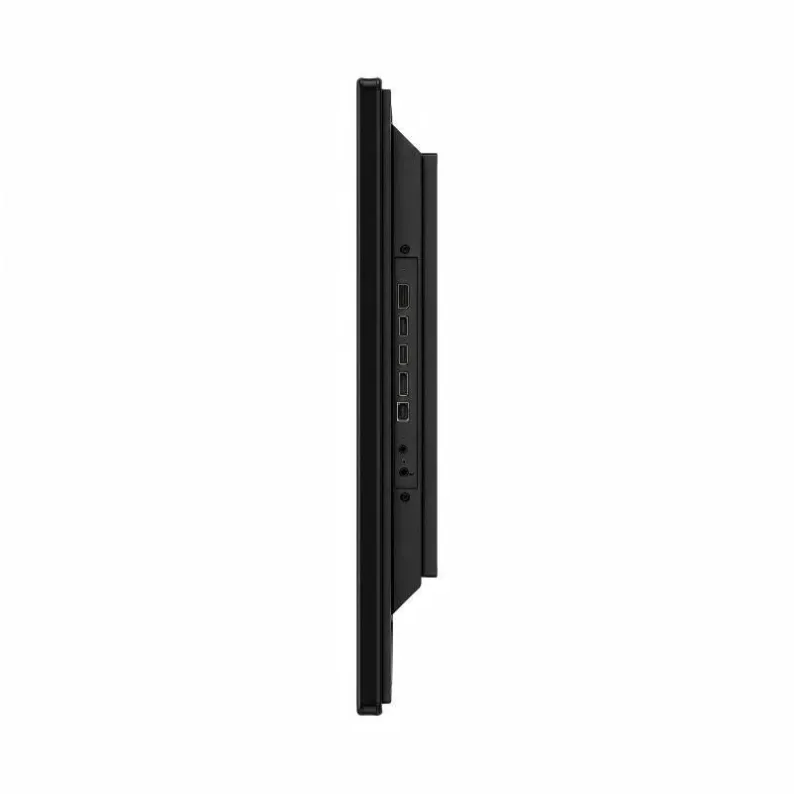
For installation, review bracket positions, cable exit direction, ventilation space, and access to USB, HDMI, network, and power connections. A clean front view is not sufficient if the screen must be removed whenever a cable or storage device needs attention. The best 28-inch solution balances the visible area with practical integration and maintenance.