Sep 2, 2026News & Insights
Custom LCD Bar Signage for Diverse Commercial Environments
Commercial spaces rarely share the same dimensions, lighting, mounting structure, or content workflow. Custom LCD bar signage addresses that reality by adapting the display size,...
Custom LCD Bar Signage for Diverse Commercial Environments
Commercial spaces rarely share the same dimensions, lighting, mounting structure, or content workflow. Custom LCD bar signage addresses that reality by adapting the display size, brightness, electronics, enclosure, and installation method to the actual environment.
Why Commercial Projects Choose Custom Bar Displays
Dimensions That Follow the Space
A bar display can be selected or developed to align with a shelf, corridor, elevator entrance, counter, or equipment opening. The goal is to use the available area without blocking products, pathways, or architectural features.
Image Quality for the Viewing Conditions
Resolution, brightness, viewing angle, cover glass, and surface treatment should be matched to viewing distance and ambient light. A bright storefront has different needs from an indoor corridor or machine console.
Centralized Content Control
Integrated Android hardware or an external player can connect the screen to a content management system. Teams can schedule campaigns, distribute updates, and manage groups of displays without visiting every location.
A Slim, Purpose-Built Enclosure
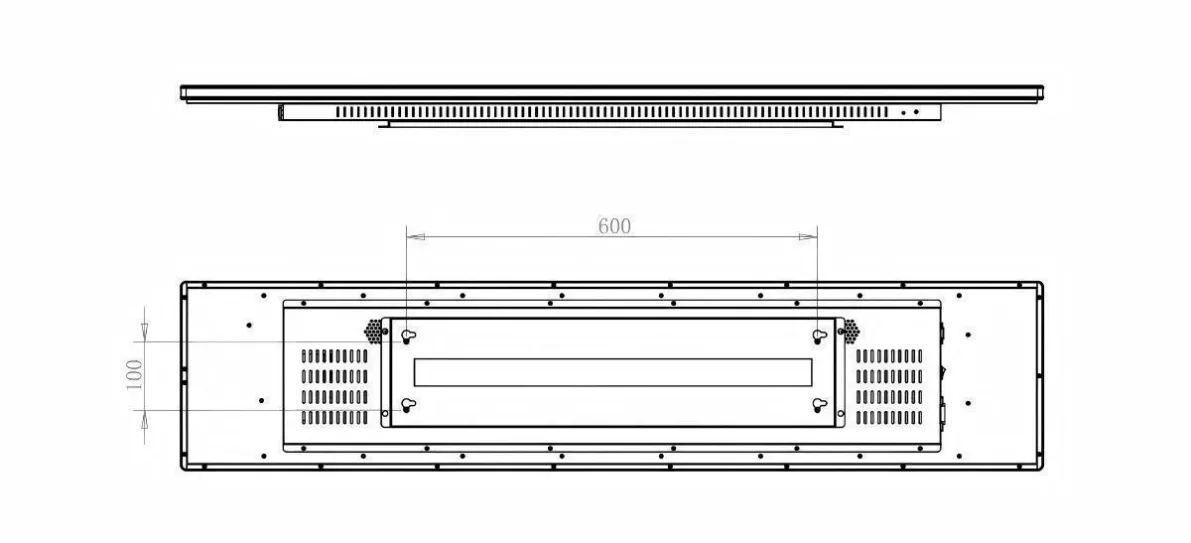
Metal enclosures, open-frame structures, embedded designs, and suspended housings can be developed around the mounting method. Cable routing, ventilation, service access, and safety must be considered from the start.
One Format, Many Commercial Uses
Elevators and corridors can use the screen for directions, floor information, and notices. Supermarkets and boutiques can install it on shelves or in windows. Chain stores can synchronize brand campaigns across locations. Stations, banks, and hospitals can publish queue data and public information.
Customization That Supports the Whole System
Useful customization goes beyond changing the panel size. It may include input interfaces, operating system, touch, brightness, mounting points, power design, logo treatment, color, and software integration. A well-defined specification makes installation easier and helps the final system perform consistently over its intended service life.
Define What Really Needs to Be Customized
Customization may involve the panel size, visible opening, enclosure shape, finish, mounting points, brightness, cover glass, touch, player platform, input interfaces, speakers, cables, branding, or software behavior. These choices should solve a documented constraint. Changing every available feature increases validation work and can make replacements more difficult without improving the installation.
Separate fixed requirements from preferences. A mechanical opening or required data interface may be non-negotiable, while enclosure color or speaker position may have several acceptable solutions. This distinction allows the design team to protect critical functions while controlling lead time, tooling, and long-term serviceability.
Validate the Custom Design Before Repeating It
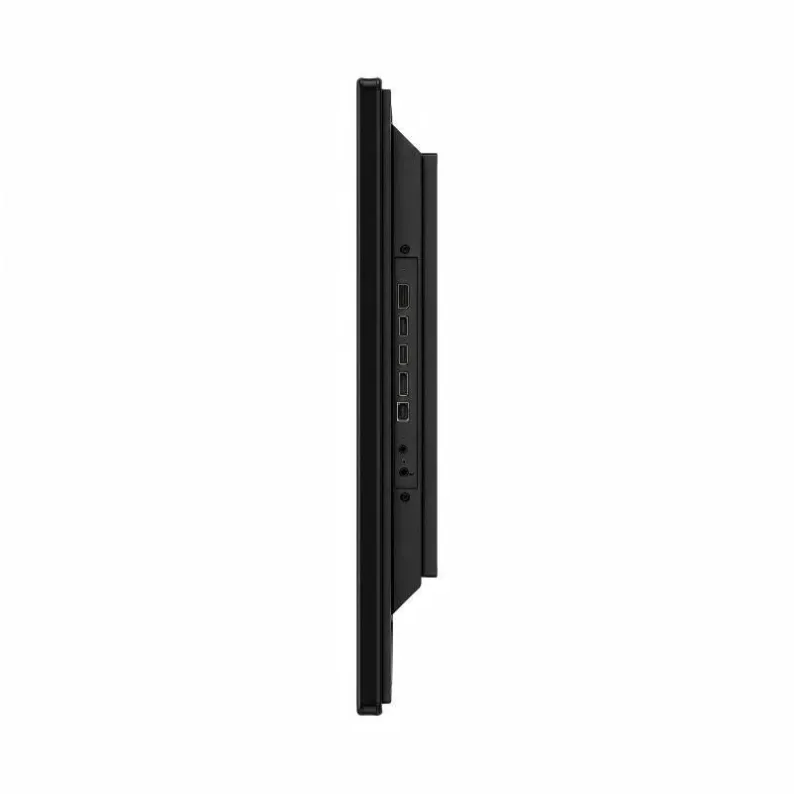
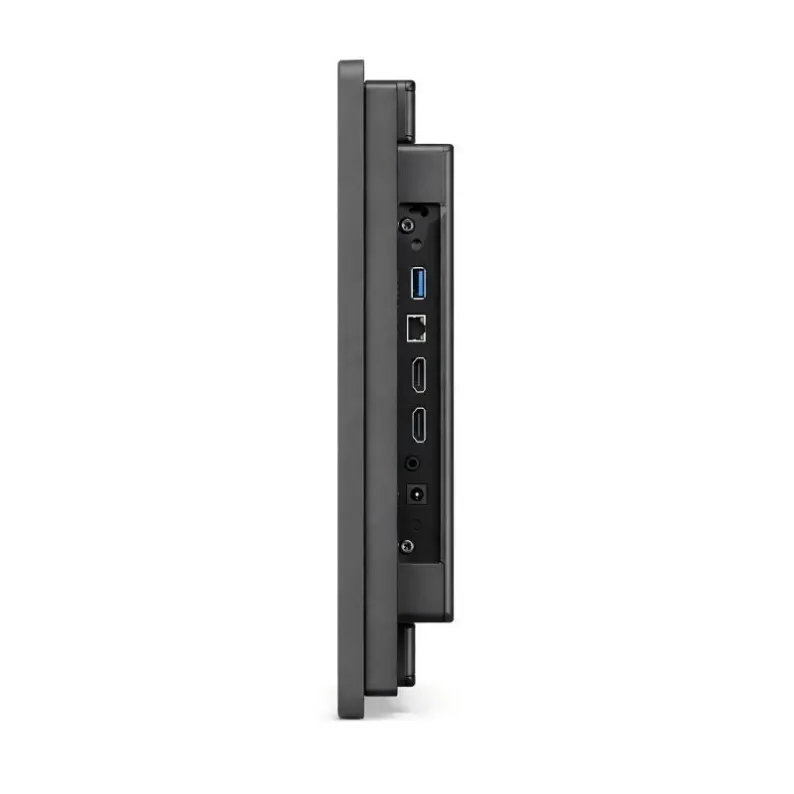
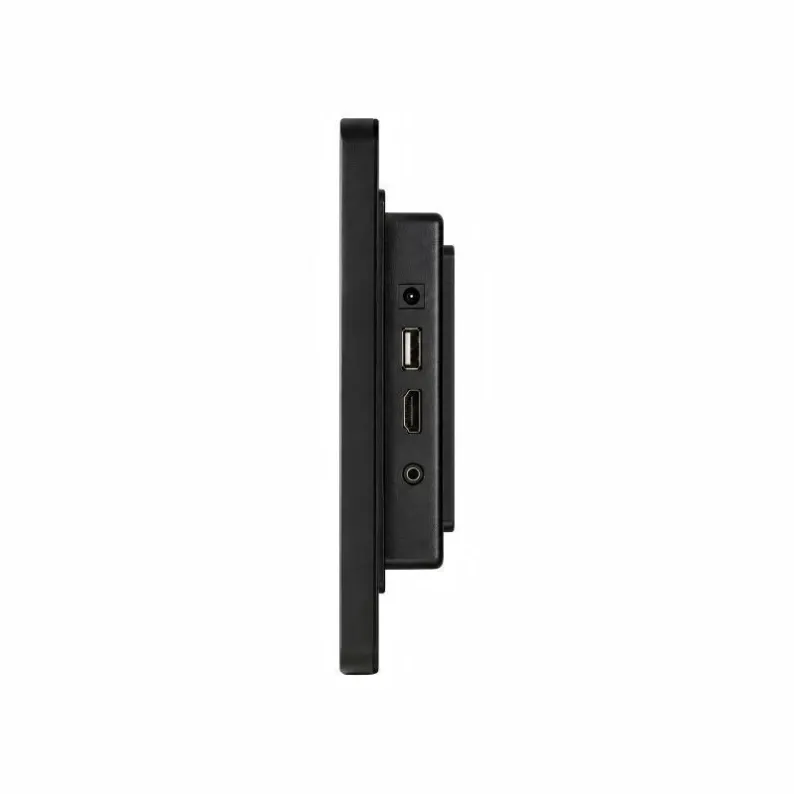
A sample should be checked against approved drawings, native-resolution content, mounting hardware, power and signal sources, network workflow, thermal conditions, and representative operating hours. Review connector access and the steps required to remove the unit for service. A visually correct prototype can still create problems if cables cannot be reached after installation.
Record the final bill of materials, drawings, firmware, content resolution, test criteria, and approved deviations. This documentation helps keep later batches consistent and supports replacement planning. The result should be a controlled commercial product configuration, not a one-time collection of unrecorded modifications.