Sep 2, 2026News & Insights
Digital Shelf Displays That Let Products Speak for Themselves
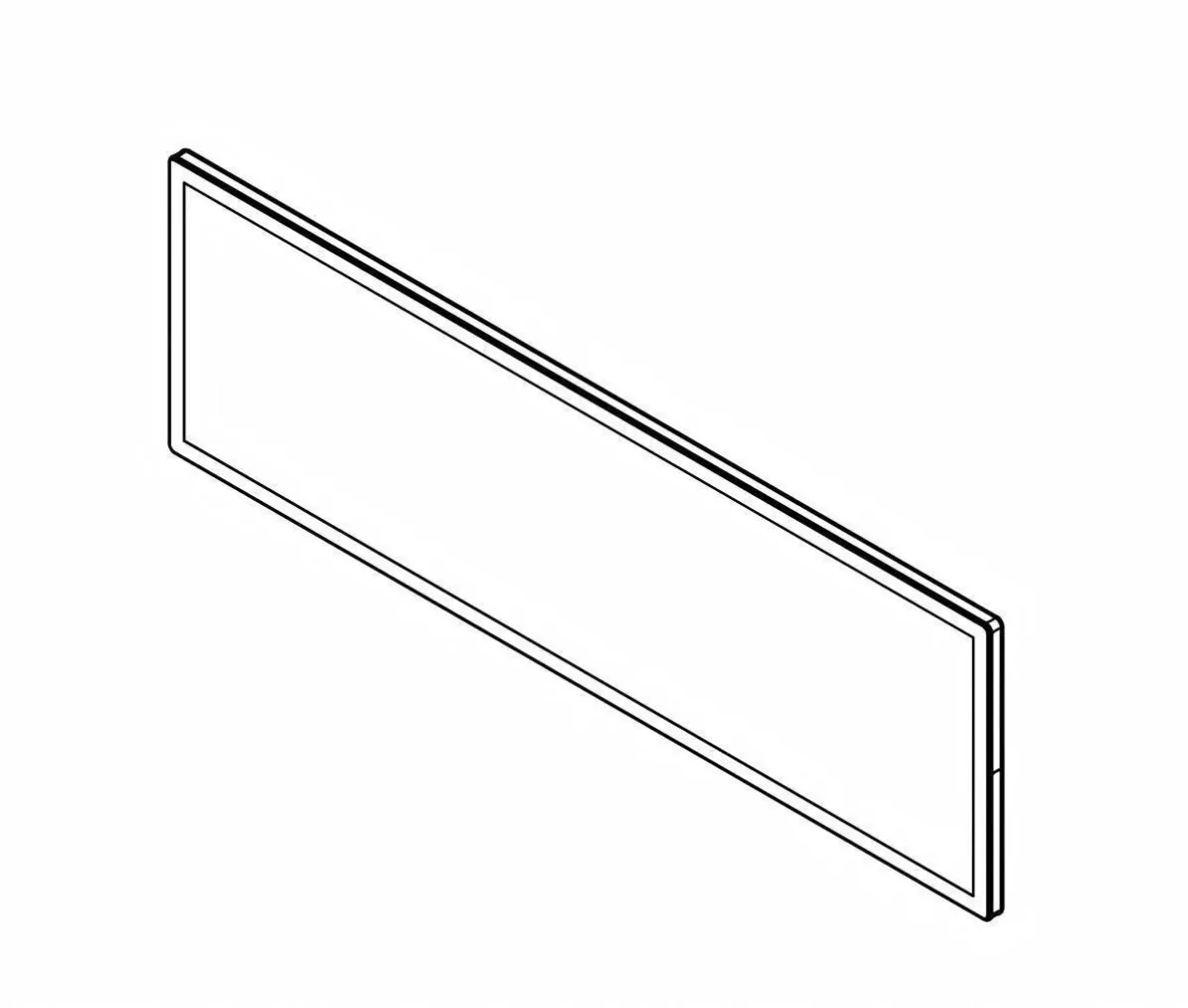
A digital shelf display places product communication directly beside the merchandise. Instead of asking customers to look for a poster elsewhere, the screen can present the price,...
Digital Shelf Displays That Let Products Speak for Themselves
A digital shelf display places product communication directly beside the merchandise. Instead of asking customers to look for a poster elsewhere, the screen can present the price, features, usage ideas, campaign message, or related products at the moment of decision.
Dynamic Content withBuild Information in Layers
A useful shelf display does not try to show every product detail at once. The first layer should answer the immediate question—price, product name, key benefit, or availability. A second frame can explain a feature, comparison, ingredient, or use case. Additional content can support brand storytelling, but it should not delay the information shoppers need to make a decision.
This layered approach also improves readability on an ultra-wide canvas. One strong message with clear product alignment is easier to understand than several unrelated boxes. Visual cues, consistent colors, and restrained animation help shoppers connect the correct screen zone with the merchandise below it.
Keep Screen Content Aligned With Store Reality
Digital communication becomes unreliable when prices, stock conditions, or campaign dates are not synchronized with the shelf. Define a publishing workflow that includes content approval, price verification, expiration dates, and a fallback screen for network interruptions. Staff should be able to identify which physical shelf corresponds to each device in the management system.
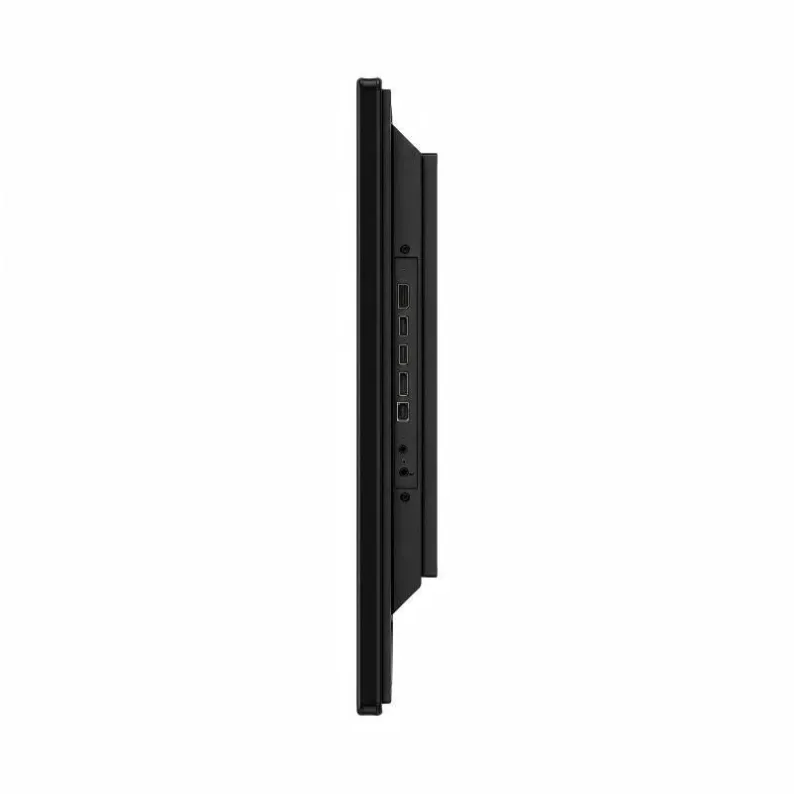
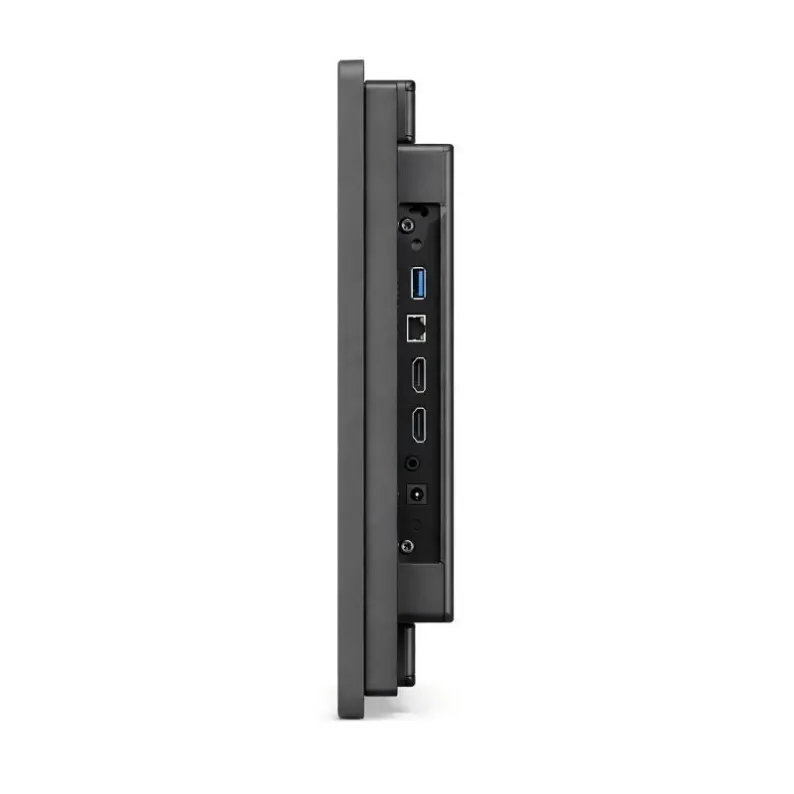
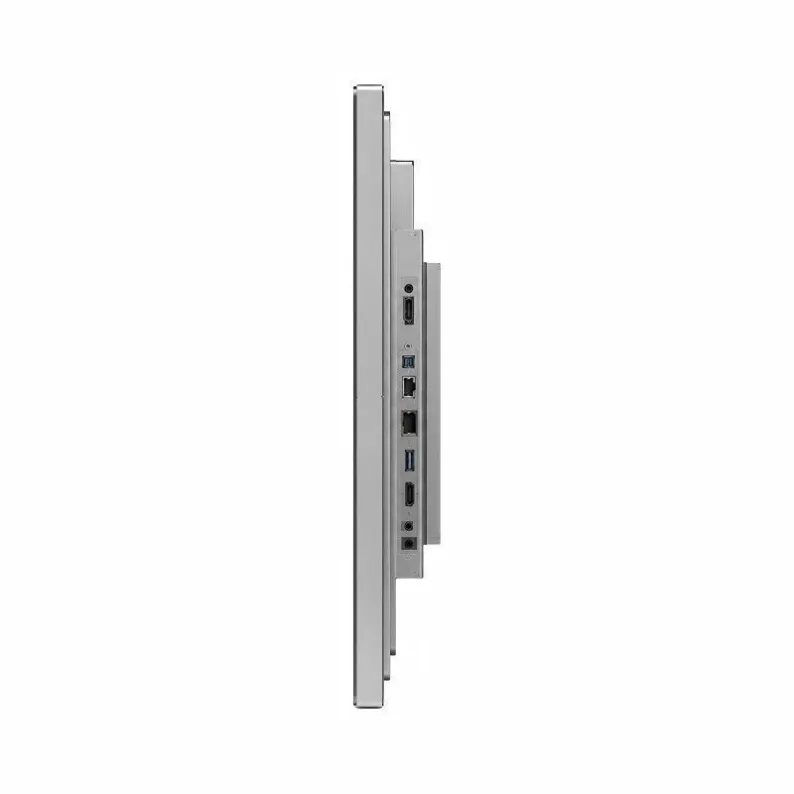
The hardware should support the same operational discipline. Stable network connectivity, automatic startup, scheduled playback, remote status reporting, and accessible maintenance points reduce the risk of blank or outdated screens. For wider retail planning, see the guide to using LCD bar displays for retail space and marketing. Faster Updates
Paper labels and printed shelf strips take time to design, print, distribute, and replace. A connected bar display can receive approved content remotely, allowing stores to change promotions, prices, and product information more quickly. Scheduled playlists can match breakfast, lunch, evening, weekday, or seasonal campaigns.
Video and motion graphics help demonstrate products that are difficult to explain with a static label. Content should remain concise, readable, and consistent with the price and product data shown elsewhere in the store.
Interaction That Supports the Shopping Journey
Where touch or mobile integration is appropriate, customers may explore specifications, scan a QR code, view additional colors, or access membership content. Interactive functions should be simple enough to use at shelf distance and should not slow down the basic message for people who only glance at the display.
Multiple Ways to Arrange the Screens
Several displays can work as one coordinated visual system. In a synchronized mode, every screen can repeat a key campaign. In an independent mode, each shelf section can show different content. In a tiled or sequenced mode, graphics can move across multiple screens to create a stronger visual feature.
The most effective arrangement depends on the shelf layout, viewing distance, network capacity, and content plan. By combining accurate product information with well-timed visual storytelling, digital shelf displays turn a passive fixture into an active part of the retail experience.