Sep 2, 2026News & Insights
Choosing a High-Definition LCD Bar Display: Why Configuration Matters
Two LCD bar displays may look almost identical from the outside while differing significantly in image quality, reliability, environmental suitability, and content-management capability....
Choosing a High-Definition LCD Bar Display: Why Configuration Matters
Two LCD bar displays may look almost identical from the outside while differing significantly in image quality, reliability, environmental suitability, and content-management capability. The difference lies in the complete configuration—not simply the diagonal size.
Display Configuration Shapes the Visual Result
Native Resolution and Aspect Ratio
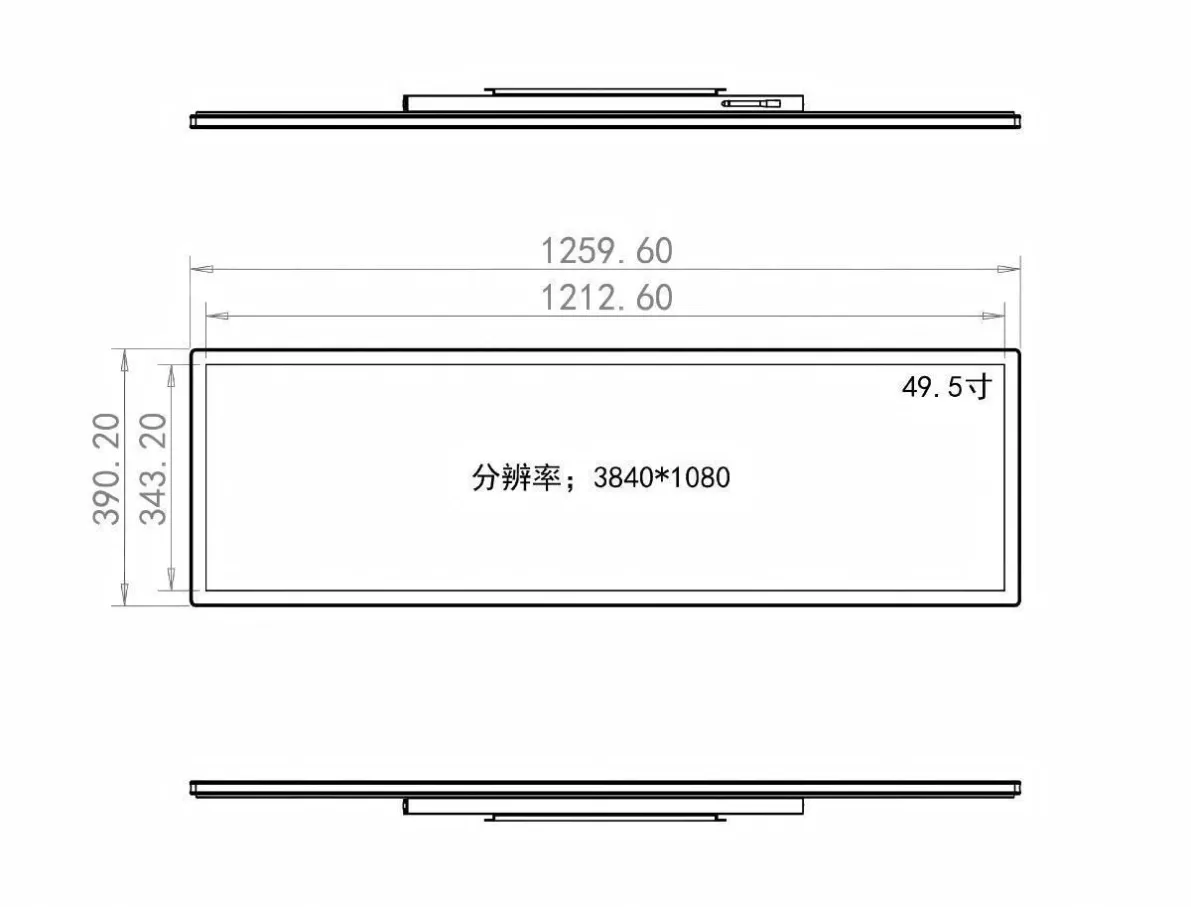
Bar displays use panel-specific resolutions such as 1920 × 360 or 1920 × 515. Content and controller timing should match the native pixel map. A poorly matched source may scale, crop, or distort the image, while a properly configured system uses the full active area with sharp text and correct proportions.
Brightness for the Installation
An indoor shelf and a sunlit window require different luminance. Standard indoor brightness may be adequate under controlled lighting, whereas a bright window may need a higher-brightness panel, optical treatment, and stronger thermal design. “800 nits or more” is not automatically better; the target should be based on ambient light, heat, power use, and viewing distance.
Internal Design Determines Long-Term Stability
Panel Quality and Supply Consistency
The exact panel affects uniformity, color, viewing angle, defects, and future availability. Recognized panel sources can support clearer traceability, but the complete display still depends on integration and quality control.
Thermal and Mechanical Engineering
Long operating hours generate heat. A suitable metal structure, heat-spreading design, ventilation plan, and component layout protect the panel, power supply, and controller. The enclosure must also support installation loads and allow safe servicing.
Smart Hardware Changes Daily Operation
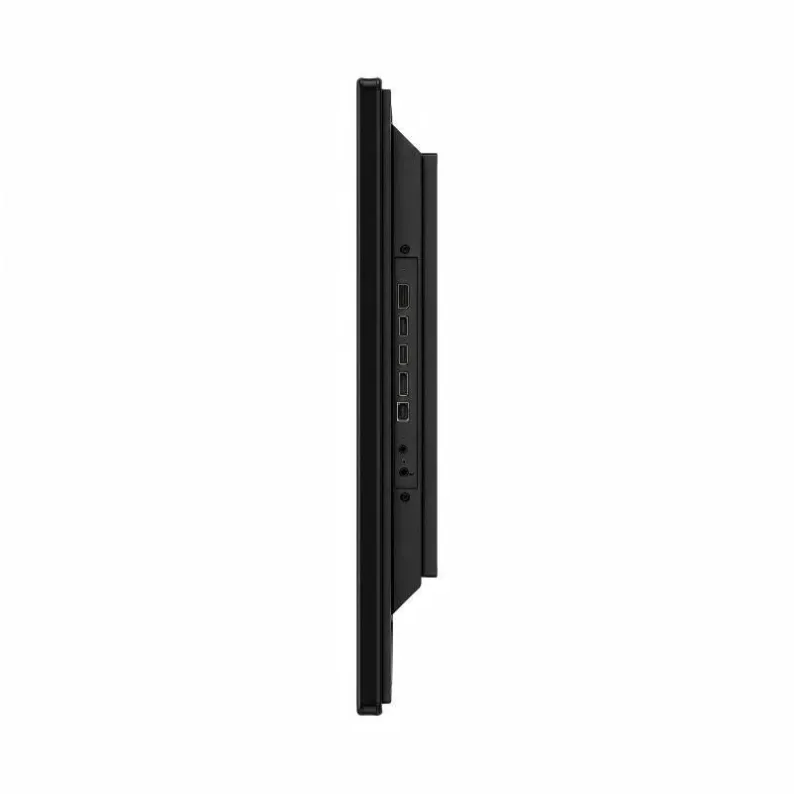
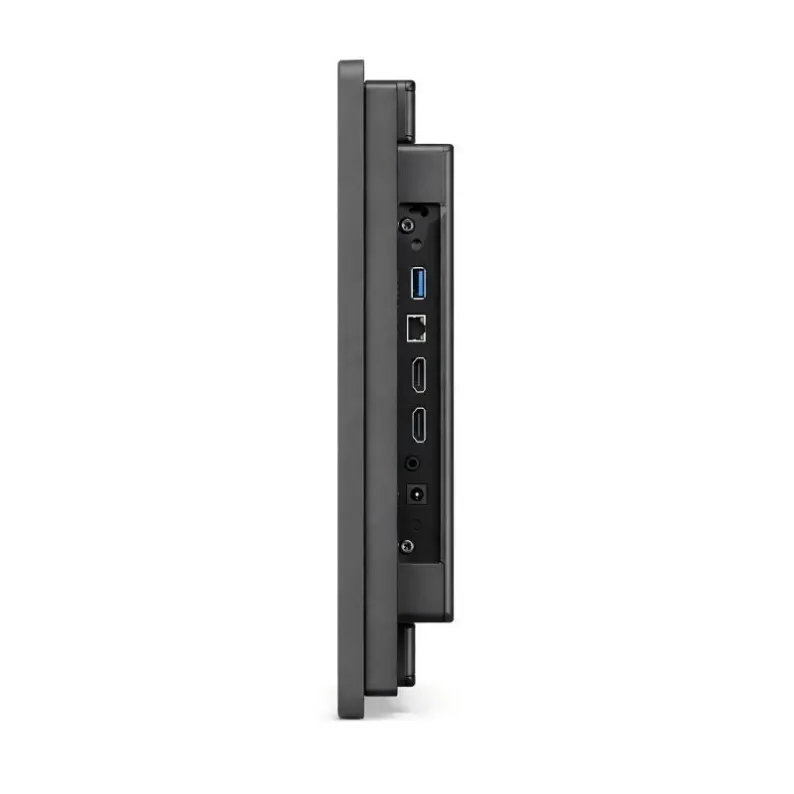
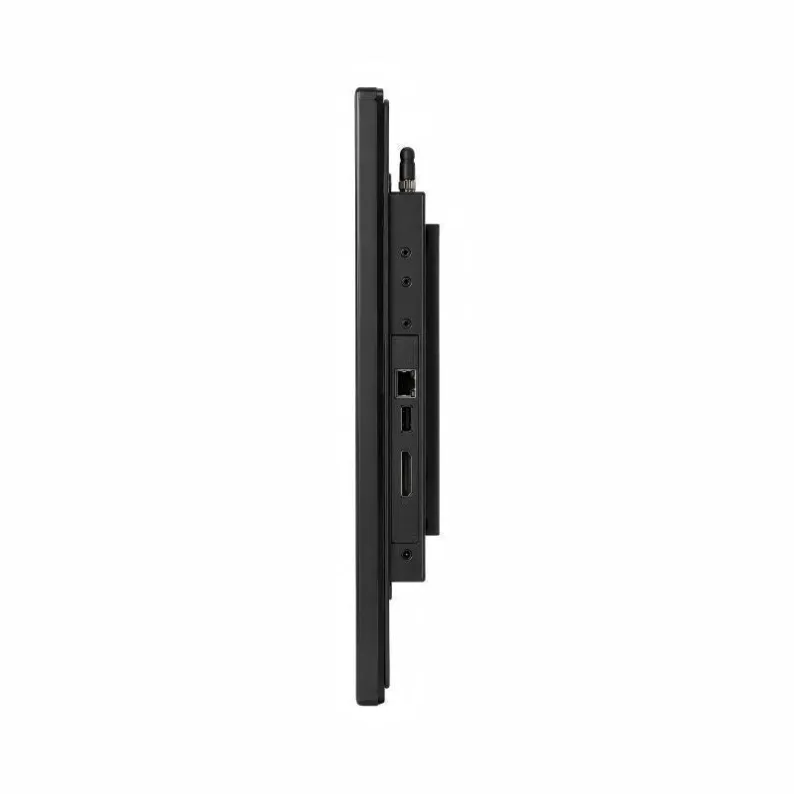
An integrated Android or Windows player can support network publishing, scheduled playback, multi-zone layouts, and device monitoring. A monitor-only version may be preferable when the site already uses an external player. Interfaces such as HDMI, LAN, USB, and serial control should be selected around the actual system architecture.
Choosing a high-definition LCD bar display is therefore a system decision. Define the content, viewing conditions, operating schedule, mounting method, environmental limits, software workflow, and service expectations first. The right configuration delivers better readability, more stable operation, and a more efficient ownership experience over the life of the installation.
Match the Display to the Content Workflow
The content system should be decided before the hardware is finalized. A shelf-edge promotion usually needs short loops, strong contrast, large prices, and a canvas created at the panel’s native resolution. A transport information screen may require data feeds and reliable automatic recovery, while an industrial installation may rely on an external computer and a fixed input. Building artwork for the exact pixel dimensions avoids unnecessary scaling and keeps text, logos, and product images in proportion.
For networked installations, confirm how files are uploaded, how schedules are assigned, and what happens after a power or network interruption. Local USB playback is simple for a single screen, whereas centralized content management is more efficient across multiple locations. The operating system, storage capacity, network interface, and remote monitoring functions should support the real workflow instead of adding features that will never be used.
Verify the Complete System Before Deployment
A useful sample review goes beyond checking whether the screen turns on. Test representative videos, menus, price layouts, and small text at the expected viewing distance. Observe brightness uniformity, color consistency, startup behavior, input switching, heat buildup, and playback recovery over an extended run. The enclosure, bracket, cables, and service access should be reviewed as part of the same system.
Installation planning should also account for ventilation clearance, cable strain relief, mounting orientation, and access for future maintenance. See our LCD bar display installation and maintenance guide for practical mounting checks. If panel construction is still being compared, the native bar panels versus cut-down LCD panels guide provides a separate framework for evaluating supply consistency and custom dimensions.