Sep 2, 2026News & Insights
From Backlight to Pixel: A Clear Explanation of LCD Bar Display Imaging
An LCD bar display does not create light at each pixel in the way an emissive display does. Instead, it begins with a backlight and controls how much of that light passes through...
From Backlight to Pixel: A Clear Explanation of LCD Bar Display Imaging
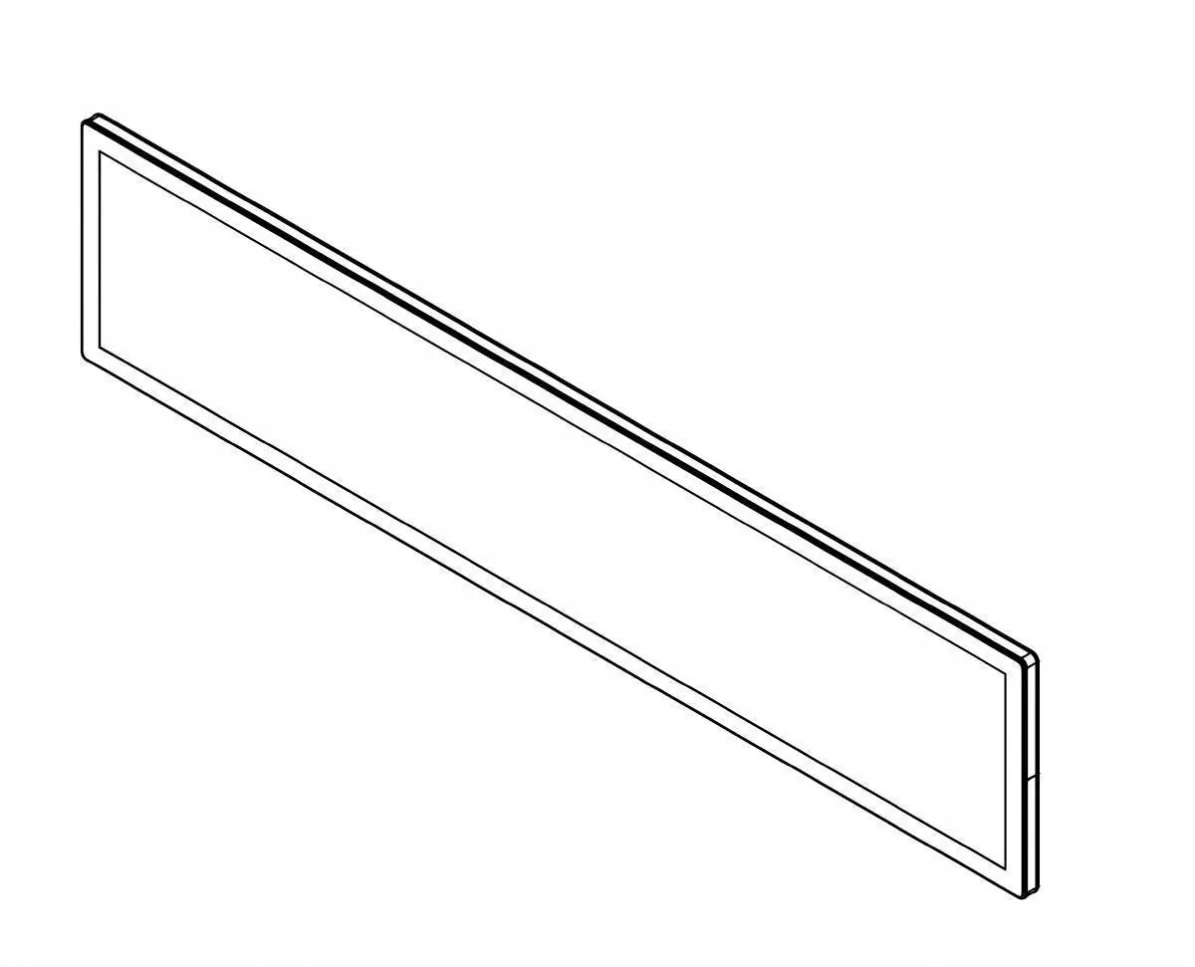
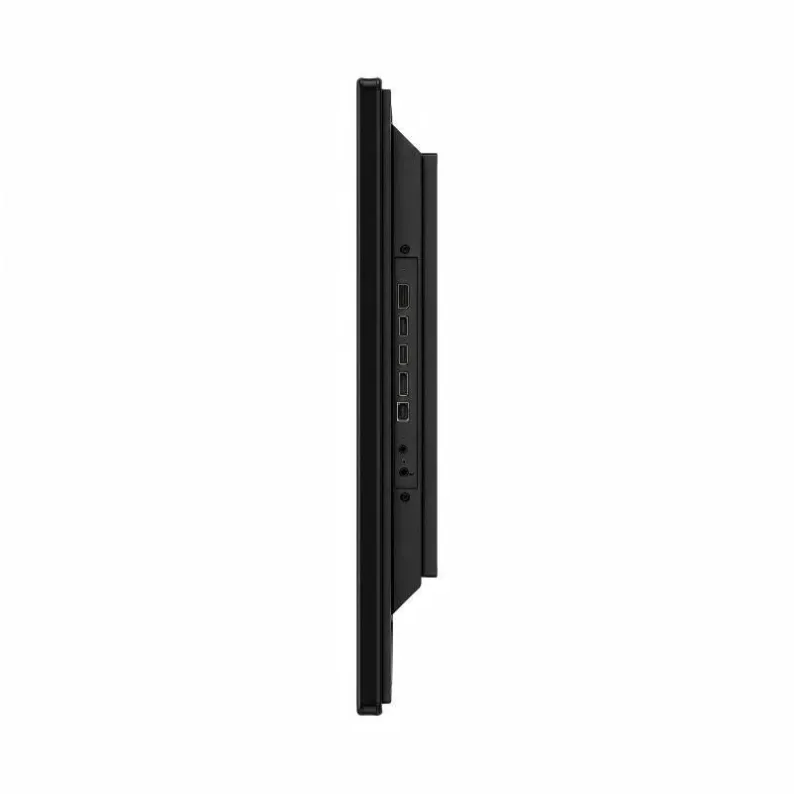
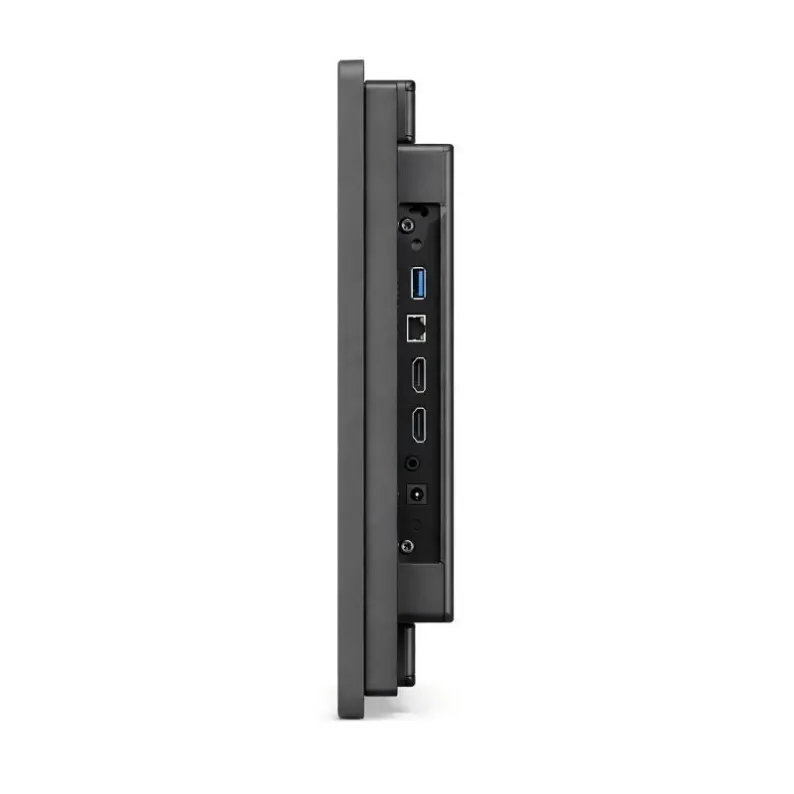
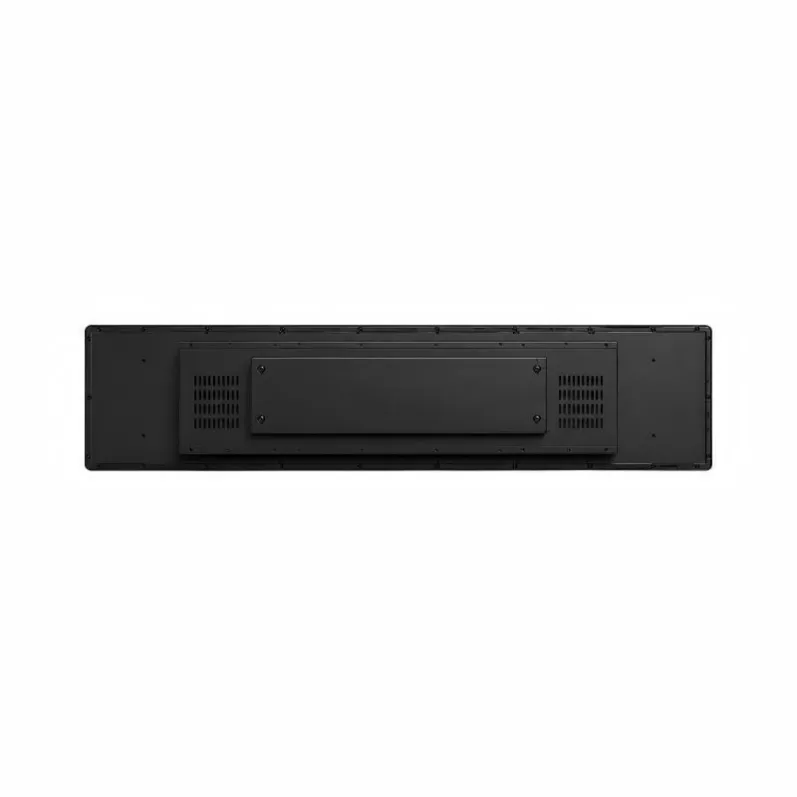
An LCD bar display does not create light at each pixel in the way an emissive display does. Instead, it begins with a backlight and controls how much of that light passes through millions of red, green, and blue subpixels. The elongated screen shape changes the layout, but not the underlying LCD principle.
Light Begins at the Back of the Panel
LEDs generate the illumination. A light guide and optical films spread it across the active area as evenly as possible. Uniformity is especially important on a long panel, where weak optical design may produce bright edges or darker sections.
Polarizers and Liquid Crystals Regulate Transmission
The incoming light passes through a polarizer before entering the liquid-crystal cell. Electrical voltage changes the orientation of the liquid-crystal molecules, which changes the polarization state of the light. A second polarizer then transmits or blocks a controlled portion of it.
The precise behavior varies among IPS, VA, TN, and other LCD modes. What matters is that the drive voltage gives each subpixel a controllable light level.
RGB Subpixels Build the Color Image
Each image pixel contains red, green, and blue color-filtered subpixels. Different intensity combinations create the colors perceived by the viewer. When the controller updates the subpixels row by row at high speed, the eye sees a continuous full-color image.
Electronics Keep Every Layer Synchronized
The media player or computer sends the video signal. A scaler or main board adapts it to the panel's native timing, and the timing controller coordinates the row and column drivers. Power circuits supply several carefully regulated voltages, while the backlight driver controls LED current and often brightness.
Why This Matters in Real Applications
Correct native resolution prevents stretched or soft content. Stable power helps avoid flicker and image noise. Good backlight and optical design improve uniformity. Appropriate panel technology supports the required viewing angles and contrast.
These fundamentals allow LCD bar displays to serve shelf signage, route maps, public information bands, and industrial dashboards. The best result comes from matching the panel, electronics, enclosure, and content to the intended environment.
How Optical Layers Influence the Final Picture
The image seen by the viewer is the combined result of several layers rather than the liquid crystal alone. Backlight uniformity establishes the starting brightness. Polarizers control the direction of light, the liquid-crystal layer changes its transmission, and the color filter divides each pixel into red, green, and blue subpixels. Variations in bonding, diffuser alignment, panel pressure, or backlight aging can therefore appear as color shift, bright areas, dark bands, or uneven luminance.
An ultra-wide panel makes uniformity especially important because a long visual line is easy to compare from one end to the other. Quality checks should use solid colors, gray patterns, fine text, gradients, and representative video rather than a single bright promotional image. This article focuses on the optical path; our separate guide to how LCD bar display technology works explains the controller, timing, signal, and system-level path behind the image.
Content, Calibration, and Viewing Conditions
Even a correctly assembled panel can look poor when content is prepared for the wrong pixel map. Artwork should match the native resolution so text remains sharp and circles retain their shape. Color and contrast settings should be reviewed under the actual ambient light, because an image that looks balanced in a dark test room may appear washed out beside a bright window.
Viewing height also matters. Shelf-edge screens are often seen from above, overhead signs from below, and vehicle displays from several lateral positions. Confirm the panel’s viewing characteristics in the intended orientation and avoid judging performance only from a straight-on desktop position. Together, optical construction, correct signal mapping, suitable content, and realistic viewing tests determine whether the displayed image remains clear across the full elongated surface.